
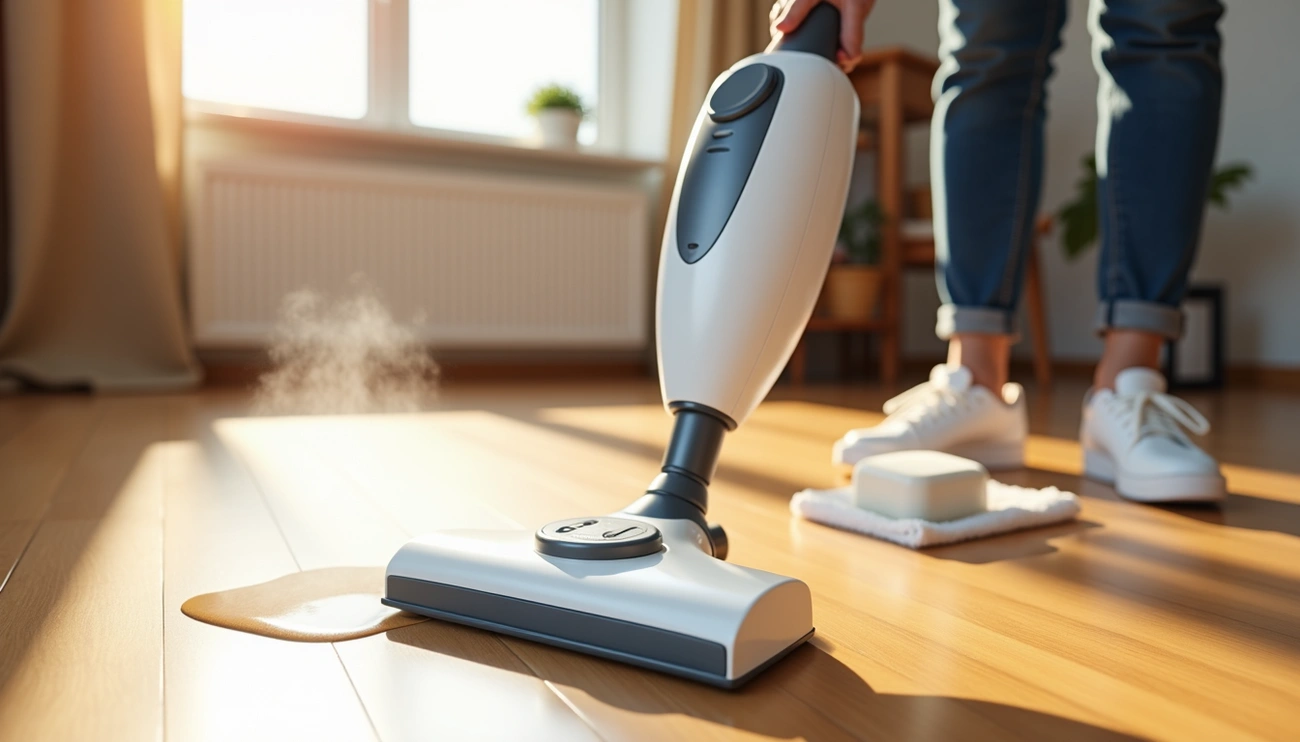
A Shark steam mop is not steaming because mineral buildup from hard water clogs the nozzle, the water tank is empty, or an airlock blocks flow. Fix the issue by filling the tank, reseating it securely, clearing the nozzle with a pin, and descaling the unit with vinegar for 10–15 minutes.”
Quick Checks Before Troubleshooting Your Shark Steam Mop
Before jumping into complex repairs, run through these basic checks. Many times, shark steam mop not producing steam results from simple oversights rather than mechanical failures.
Check the Power Connection
Your steam mop must be securely plugged into a 120V AC electrical outlet. Try another outlet if the power LED doesn’t illuminate, or check your fuses and breakers. For cordless models, verify the battery is fully charged.
Sometimes the control system needs a reset. If the power light stays on but you cannot select the steam setting, unplug the mop and wait 15 to 30 seconds before plugging it back in. This simple reset resolves many electronic glitches.
Verify Water Tank Level and Installation
Fill the tank with distilled water to prevent mineral deposits. The water intake tube extends to the bottom of the reservoir and should be straight, not bent, so all water can be heated properly.
Inspect the water tank cap for cracks and confirm the rubber gasket remains attached. A damaged cap or missing gasket allows steam to escape from the wrong location. To replace the water tank, align it so the cap faces down, place the cap into the hole in the mop body, and slide the tank down until it clicks securely into place. That clicking sound confirms proper seating.
Confirm Steam Setting Selection
Once you see the power LED come on, select the STEAM button to activate steam flow. Your shark professional steam mop offers three settings: DUST provides light steam for quick cleaning, MOP delivers normal everyday steam, and SCRUB produces heavy steam that leaves floors damp. Press the ON/STANDBY button once for DUST, twice for MOP, or three times for SCRUB.
Wait about 30 seconds after selecting your setting for the water to heat up.
Inspect the Mop Head Attachment
The micro-fiber cleaning pad must be attached to the mop head before operation[24]. Check if the pad is excessively dirty or wet, as saturated pads prevent steam from reaching the floor. Consult your user manual to confirm the mop foot is installed properly.
If these quick checks don’t resolve your shark steam mop troubleshooting issue, the problem likely stems from internal blockages or component failures.
Common Causes Why Your Shark Steam Mop Not Producing Steam
Hard water leaves its mark on steam mops through calcium and magnesium deposits. These minerals accumulate over time and create blockages that prevent proper steam production.
Mineral Buildup in Steam Nozzle
Calcium deposits from hard water build up around the nozzle and impact steam output. If you use tap water regularly, microscopic minerals progressively narrow the pathways for water and steam. These deposits act like tiny roadblocks, eventually becoming so severe that they prevent steam from escaping the nozzles entirely.
Clogged Steam Outlet Hole
The steam nozzle is a 0.8 mm stainless steel orifice beneath the mop head. It’s the small hole where water vapor enters the mop head. Mineral deposits accumulate here due to localized superheating. Specifically, this tiny opening becomes blocked faster than other components because of its small diameter.
Heating Element Failure
The 800W heating element should measure 64-68 Ω at room temperature. Higher resistance indicates an open circuit from burnout, while lower resistance suggests a short. A failed heating element is a common reason for lack of steam after many years of use. Residual water combined with heat retention creates electrolytic corrosion at terminal crimps, increasing resistance by 0.3 Ω per week if left damp.
Water Tank Seating Issues
Components must align correctly for steam formation. The cap on the water tank should not be cracked, and the rubber gasket used to prevent leaks must still be attached. A water intake tube extends to the bottom of the water reservoir and should be straight, not bent, so all water can be heated. Water tank retention issues often stem from worn or broken locking tabs or clips.
Internal Line Blockages
If your steam cleaner heats up but fails to produce steam, mineral buildup may exist in the internal lines. These blockages develop gradually until they completely restrict water flow through the system.
Step-by-Step Fixes for Shark Steam Mop Not Working
Fixing shark steam mop not producing steam requires systematic cleaning and component checks. I’ll show you four proven methods to restore steam flow.
Clear the Steam Nozzle with a Paperclip
Unplug your shark professional steam mop and wait until it’s completely cool. Remove the mop head to locate the nozzle, which is the small hole where water vapor enters the cleaning pad. Shark includes a nozzle cleaning tool with most models, but if you’ve misplaced it, straighten a metal paper clip.
Insert the wire into the nozzle orifice and move it back and forth several times to remove deposits. In some models, the nozzle can be removed using a flathead screwdriver to pop it out, then cleaned under warm water and snapped back into place. Plug in your mop and test the steam output.
Descale with Vinegar Solution
While Shark recommends against adding vinegar directly to the tank, you can descale removable nozzles by soaking them in boiling water mixed with vinegar. For stubborn blockages, fill the tank with a 50/50 mix of CLR and water, let it sit for a day, then clean all steam holes with a pipe cleaner. Some users report success filling the tank with equal parts white vinegar and water, running the solution through, then rinsing.
Flush the System with Distilled Water
After clearing deposits, empty the tank and fill it with clean distilled water only. Run several full steam cycles to flush loosened debris through the system. This process removes any remaining mineral particles.
Test and Replace Faulty Heating Element
Replacing the heating element requires disassembly. Unplug the mop and empty the water tank. Remove the 56.0 mm Phillips head #2 screw above the water tank cap, pull the handle to separate it from the body, remove three 12.0 mm screws from the dark gray trim, then remove four 12.0 mm screws on the heating element sides.
Preventive Maintenance to Keep Your Shark Steam Mop Working
Prevention stops shark steam mop not steaming issues before they start. Following these maintenance practices extends your mop’s lifespan and keeps steam flowing consistently.
Use Distilled Water Only
Shark specifies to only use distilled water in your tank. If you live in a hard water area, distilled water becomes particularly important. Tap water contains calcium and other minerals that accumulate inside the mop, reducing steam output and potentially causing damage. Demineralized water is specially formulated to help prevent mineral buildup and keep your machine running longer.
Never add cleaning solutions, scented perfumes, oils, vinegar, or any other chemicals to the water tank, as they may damage the unit or make it unsafe to use.
Regular Descaling Schedule
Descale your shark professional steam mop every few months using a 1:1 mixture of vinegar and water. This solution helps dissolve mineral deposits and restore steam flow. Beyond that maintenance window, descale as needed if you notice reduced steam output.
Proper Storage Tips
After each use, unplug your mop and wait 2-3 minutes for the unit to cool. Empty the water tank before storing to prevent calcification[153]. Wrap the power cord around the two cord hooks. Lock your shark genius steam mop in an upright standing position by raising the handle until the pole stands perpendicular to the ground.
Conclusion
Most steam mop issues stem from mineral buildup, which you can fix with simple cleaning methods. For the most part, clearing the nozzle and descaling your unit will restore steam flow within minutes. The key to avoiding future problems lies in using distilled water exclusively and descaling every few months. By the same token, proper storage after each use prevents calcification. Follow these practices, and your Shark steam mop should deliver consistent steam for years.