
Shark Steam Mop Leaking Water? Causes and Fixes

Disclosure: FloorsMop is reader-supported. As an Amazon Associate, we earn from qualifying purchases. If you buy through a link on this page, we may earn a small commission at no extra cost to you. Learn more.
Quick answer: A Shark steam mop leaks water when the pad is soaked, when you start mopping before it has fully heated, or when the tank cap or tank door is not closed tight. Swap in a dry pad, wait for the ready light, and check the tank. If water drips from the body itself, the tank or an internal hose may be cracked.
A little moisture on the floor is normal, because steam condenses as it cools. A puddle that sits there for minutes is not. If your Shark is also giving weak steam, read why your Shark steam mop is not steaming after this, because the two problems often share a cause.
Quick Diagnosis Table
| Where the water shows up | Likely cause | Fix | Time |
|---|---|---|---|
| Puddles under the mop head | Soaked or crooked pad | Change and re-center the pad | 1 min |
| Water right after you start | Mop not fully heated | Wait for the solid ready light | 1 min |
| Drips from the top of the tank | Loose cap or overfilled tank | Tighten cap, fill only to MAX | 1 min |
| Drips from the side of the body | Tank door open or cracked tank | Close door, inspect the tank | 5 min |
| Water when parked upright | Steam left on while standing | Turn steam off before parking | Instant |
| Water and weak steam together | Scale blocking the boiler | Use distilled water, clear holes | 10 min |
8 Reasons Your Shark Steam Mop Is Leaking (and How to Fix Each)
1. The pad is soaked through
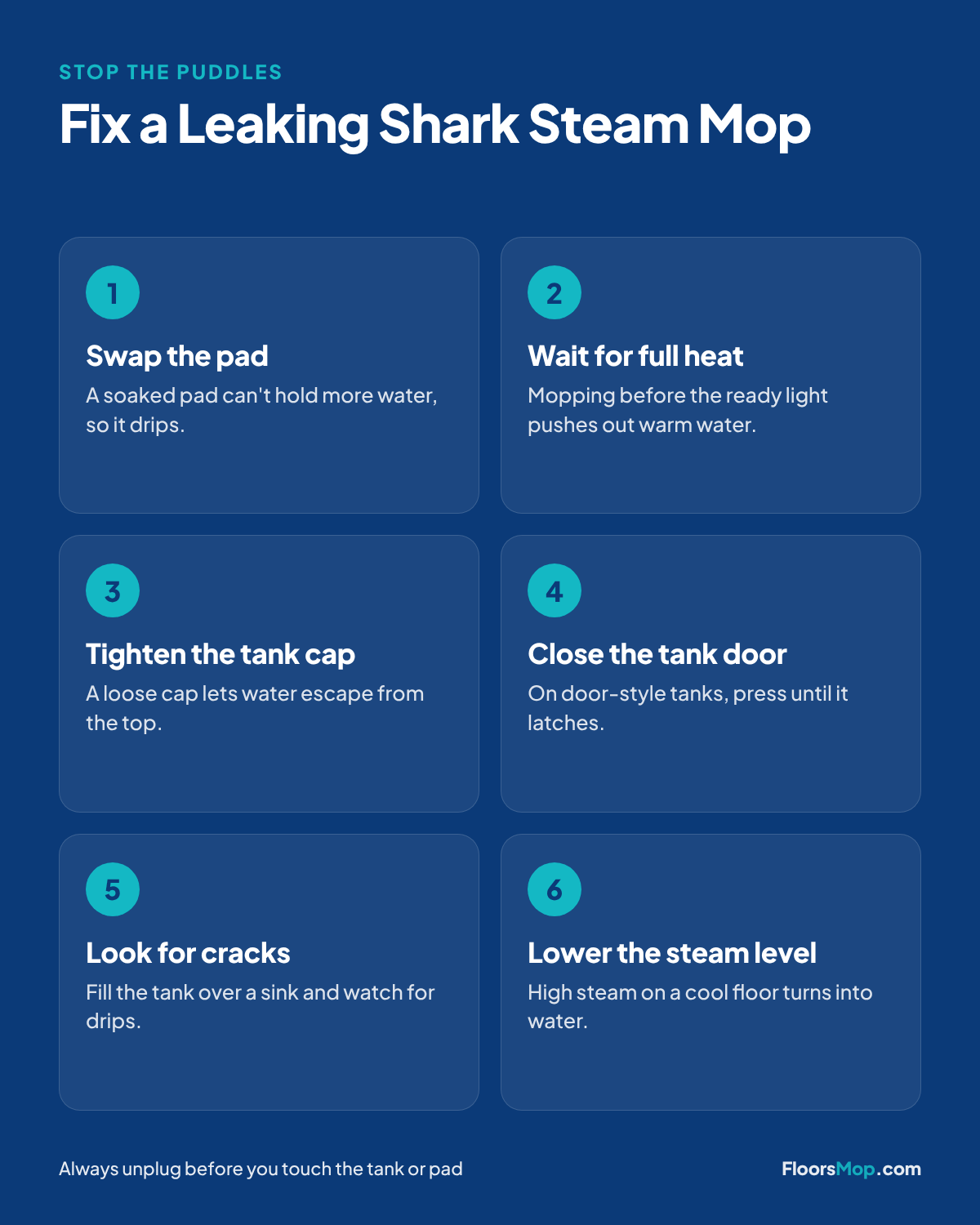
This is the most common cause, and Shark’s own troubleshooting guides list it first. Microfiber pads absorb the condensed steam. Once a pad is full, the extra water has nowhere to go but the floor.
Fix: Unplug the mop, remove the pad, and fit a clean, dry one. On a big job, plan on one pad per room. Pads also hold less water if they are worn thin, so replace pads that feel flat or stiff.
2. The pad is not attached correctly
A pad that is pulled to one side leaves part of the steam plate uncovered. Steam escapes from that bare edge and condenses straight onto the floor.
Fix: On Steam Pocket models, slide the head fully into the pocket so the pad wraps evenly. On models with a hook-and-loop pad, press it flat and center it.
3. You started mopping before the mop was hot
When the boiler has not reached temperature, the pump pushes warm water instead of steam. This is why a lot of people see a puddle in the first few seconds and then normal steam afterward.
Fix: Plug in, wait for the light to turn solid (usually about 30 seconds on most models), then start. A flashing light on many Shark models means standby, so press the steam button to pick a setting.
4. The steam setting is too high for the floor
High steam on a cool tile or vinyl floor makes more vapor than the pad can hold. The extra condenses and spreads across the surface.
Fix: Use the lowest setting that cleans the job. Many Shark models offer low, medium and high (called Dust, Mop and Scrub on several Steam Pocket models). Save high for sticky spots and grout lines.
5. The tank cap is loose or the tank is overfilled
If water drips from the top of the mop or down the handle, the fill cap is probably not sealed, or water was filled past the MAX line.
Fix: Empty a little water if you overfilled, wipe the cap threads, and close it until it seats firmly. Check the rubber seal under the cap for cracks or debris.
6. The tank door is not latched
Some Shark models hold the tank behind a door. Shark’s manuals say to make sure the door is closed securely, because an open door can let the tank shift and leak.
Fix: Open the door, reseat the tank, and close the door until it clicks.
7. The tank or a hose is cracked
If water runs from the body even when the mop is off and cool, the tank may be cracked. Drops and freezing temperatures in a garage are common causes. A crack also makes it hard for the mop to build steam.
Fix: Remove the tank, fill it over the sink, and watch for drips. If the tank is fine but water still runs out of the body, an internal hose may be loose. Stop using the mop and contact Shark support.
8. Scale is blocking the steam path
Hard-water scale narrows the boiler outlet. Water backs up, does not turn fully into steam, and leaks out as drips instead. You will usually notice weaker steam at the same time.
Fix: Unplug and cool the mop, remove the pad, and gently clear the steam holes with a pin. Switch to distilled water to stop it from coming back. Our guide on whether steam mops need descaling covers this in more detail.
What Differs Between Models
| Model | What to check |
|---|---|
| Steam Pocket (S3501, S3601 and similar) | Pocket fit and pad saturation. Several units label the settings Dust, Mop and Scrub. |
| Lift-Away (S3973 and similar) | Make sure the handheld unit is locked back into the mop body. |
| Steam & Scrub (S7001, S8201 and similar) | The rotating pads must click fully onto both heads. A loose pad leaks on one side. |
| Klik n’ Flip models | Check that the flip head is locked and the pad is attached on the side you’re using. |
For a closer look at specific models, see our Shark S3501 Steam Pocket review and Shark S7001 review.
Prevention Tips
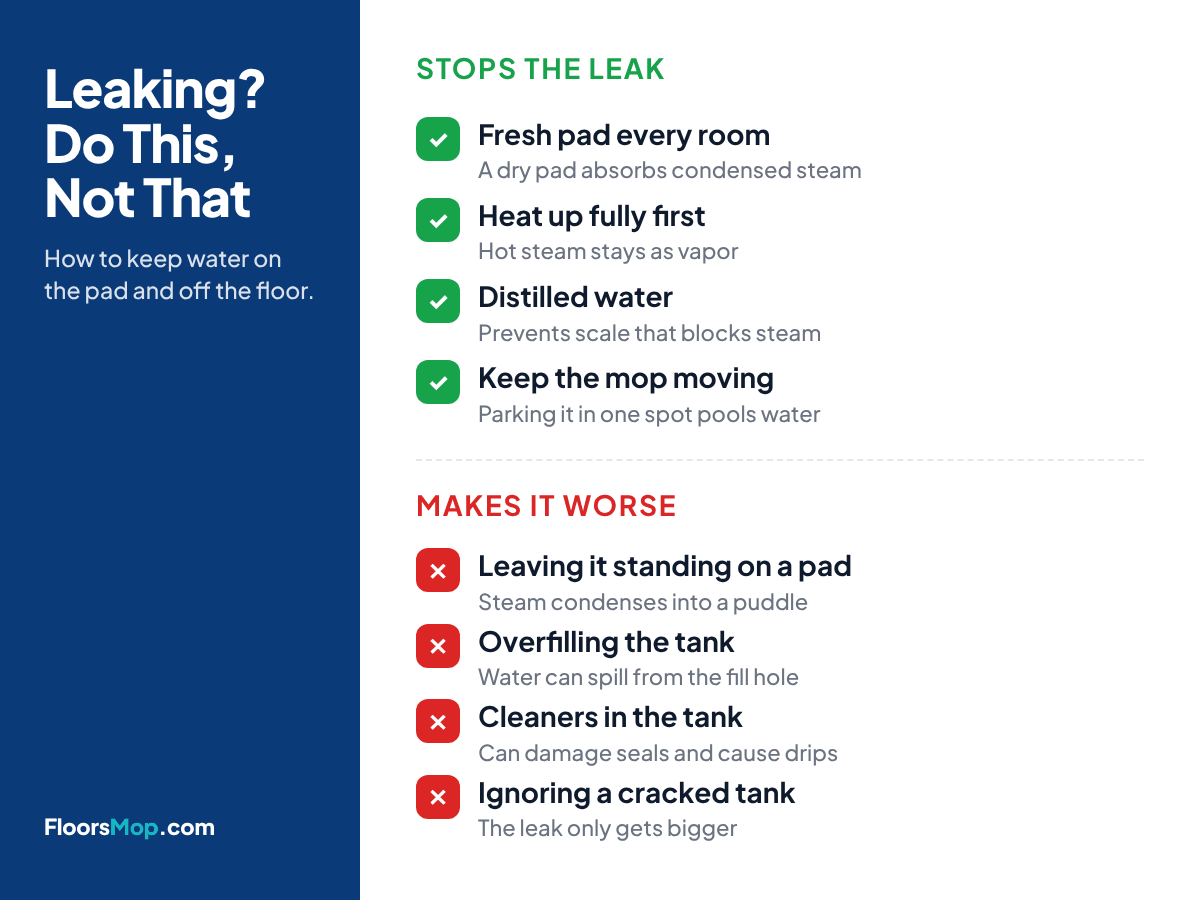
- Change the pad as soon as it feels heavy or leaves a wet trail.
- Turn steam off before you stand the mop upright.
- Fill only to the MAX line and close the cap firmly.
- Use distilled water if you have hard water.
- Store the mop indoors where it won’t freeze.
When It Needs Shark Support
Shark steam mops are covered by a limited warranty, and the length depends on the model and where you bought it. Check the warranty card or Shark’s support site with your model number. Contact Shark if:
- Water drips from the body when the mop is off.
- You find a crack in the tank or housing.
- The leak continues after you have tried every fix above.
A replacement tank is often available for popular models. If the mop is old and out of warranty, a new one may be cheaper than a repair. See our list of the best steam mops for current options.
What to Buy If You Need Parts
- Pads: a spare set of Shark steam mop replacement pads is the easiest leak fix.
- Scrub pads: Steam & Scrub owners need the matching Shark Steam & Scrub replacement pads.
- New mop: the Shark Steam & Scrub mop has a newer design. For a different brand, the Bissell PowerFresh steam mop is a common alternative.
Want a better finish once the leak is fixed? Read how to mop a floor properly and our general guide on why a steam mop stops steaming.
Frequently Asked Questions
Is it normal for a Shark steam mop to leave some water?
A thin layer of moisture that dries in a minute or two is normal. Puddles that stay on the floor are not, and usually mean the pad is soaked or the mop is not fully hot.
Why is my Shark steam mop leaking from the bottom?
Water from the bottom is usually a saturated or misaligned pad, or steam left running while the mop sits still. Change the pad and keep the mop moving.
Why does my Shark steam mop leak when standing up?
If steam is still on when you park it upright, the steam condenses inside the head and drips out. Turn steam off before parking, and don’t rest it on a wet pad.
Can a cracked tank be replaced?
On many Shark models, yes. Search your model number with “water tank” on Shark’s parts site or on Amazon. Make sure the part matches your exact model.
Can hard water make a Shark steam mop leak?
Yes. Scale narrows the steam path, so water backs up and drips instead of turning into steam. Distilled water prevents this.
Can a leaking steam mop damage my floor?
It can. Standing water can seep into laminate and hardwood seams. Wipe up puddles right away and fix the leak before using the mop on wood-based floors.