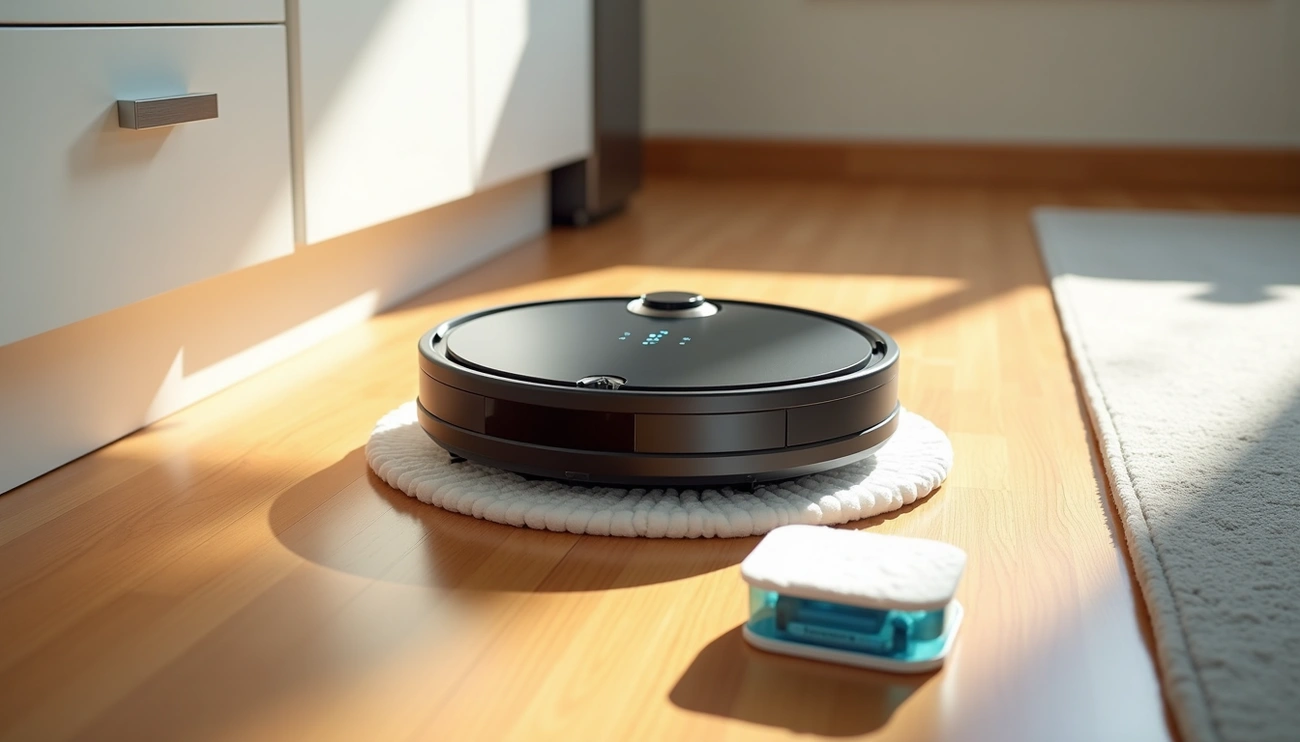
Use a Roomba mop (Combo model) by filling the water tank with water or approved cleaner, attaching a damp microfiber pad to the bin, and pressing the Clean button or starting it in the iRobot Home app. Remove rugs, set No Mop Zones in the app, and wash the pad after each use for best results.
Understanding Your Roomba Mop System
What Components Are Included
Your roomba mop vacuum arrives with several essential parts that work together for effective cleaning. The standard package includes microfiber mopping pads designed for wet floor performance, a pad plate that attaches to your robot’s bin, and wicks that help distribute cleaning solution. Models like the Roomba Combo j7+ come with one reusable microfiber mopping pad, one extra filter, one extra edge-sweeping brush, and the Clean Base Automatic Dirt Disposal system.
The mopping system relies on a liquid tank that you fill with water or compatible cleaning solutions. Your robot uses dual multi-surface rubber brushes, an edge-sweeping brush, and power-lifting suction for the vacuuming function. In addition, advanced models feature specific components like the Auto-Fill Dock that handles both debris emptying and liquid refilling.
Types of Roomba Mop Models
Roomba offers two main categories: Vac models for vacuuming only and Combo models that handle both vacuuming and mopping. The numbering system ranges from entry-level 105 models to premium 505 series, with higher numbers indicating more advanced features.
The 105 and 205 Combo models use a single large mop pad with SmartScrub technology that doubles mopping effectiveness. These pads don’t lift over carpet, requiring separate cleaning runs for different floor types. Correspondingly, the 405 and 505 Combo models feature dual spinning mop heads that automatically lift when sensing carpets, allowing simultaneous vacuuming and mopping. The 505 Combo adds PerfectEdge mopping with extending mop heads for corner coverage, increasing floor-mopping coverage by 18%.
The j-series models include the j5, j7, and j9, with the j7+ featuring a fully retractable mop pad that lifts to the top of the robot. The Max 705 Combo uses a PowerSpin Roller Mop spinning at 200 RPMs with heated mopping capability.
Mopping vs Vacuuming Modes
Your mopping Roomba operates in three distinct modes. Vacuum-only mode removes the mopping components entirely and focuses on debris pickup using rubber brushes and suction. Mop-only mode isn’t available on all models; the Roomba Combo Essential Robot can vacuum and mop or just vacuum, but cannot mop only.
Combo mode vacuums and mops simultaneously on hard floors. Your robot automatically detects which mode to use based on installed components. When you attach the mopping pad plate and fill the tank, it senses it’s time to mop. Advanced models with retractable mops switch between modes automatically when detecting carpet versus hard flooring.
How to Set Up Roomba Mop for First Use
Preparing Your Home for Mopping
Prior to starting your first mopping job, clear the floor of potential obstacles. Pick up small items, cords, and loose objects that might cause your robot to get stuck. When using the mopping system, fold area rug edges under themselves so your mopping roomba will avoid them. Alternatively, roll up or remove carpets entirely from areas you plan to mop.
How to Fill Roomba Mop Tank
Press the tank release button and pull it straight back to remove the tank from your robot. Open the cap on the top of the tank, then fill it to the maximum level. The tank holds 170 mL of liquid.
You can use water alone, or add approved cleaning solutions such as iRobot Braava Jet Fresh Liquid Floor Cleaner, Bona Hardwood Floor Cleaner, or Bona Hard Surface Floor Cleaner. Avoid boiling water, detergent, or disinfectant as they could damage your robot. Close the cap firmly to ensure a tight seal is made, then shake out any excess solution.
Attaching the Cleaning Pad and Plate
Lift the mopping pad plate and slide a mopping pad into the slot. To demonstrate, place the end of the pad plate into the pocket of the cleaning pad and secure it onto the plate. For wetter mopping results, dampen the cleaning pad before attaching it to the pad plate.
Align the pins on the pad plate with the corresponding slots on the tank, then secure the cleaning pad plate onto the tank.
Inserting the Tank Into Your Robot
Slide the tank back into the robot. When you install the tank, push it slightly toward the front of the robot as you lower the handle. This ensures proper seating and prevents “fill the tank” error messages.
Starting and Operating Your Mopping Job
Selecting the Right Cleaning Mode
Press CLEAN on your robot for automatic operation. Your robot calculates room size and adjusts cleaning time appropriately. For instance, if you need to clean a concentrated mess, press SPOT Clean instead. The robot spirals approximately 1 meter in diameter and then spirals back to where it started.
Your robot uses vacuum and mop combo cleaning mode by default. To switch to mop only mode, you’ll need the iRobot Home app. The Combo j9+ offers three options when creating a cleaning mission: Vacuum and Mop, Vacuum Only, or Mop Only.
Using the iRobot App for Mopping
Open the iRobot Home app and select the water drop icon to start mopping mode. Create a new cleaning mission, then select specific rooms you want to clean. Navigate to cleaning preferences where you can choose your preferred mode.
Your robot uses heated water to mop. Adjust water temperature from the app by navigating to the robots tab and clicking the three dots in the top right corner. Choose from room temperature (heater off), default at 104°F/40°C, or max at 161°F/72°C.
Navigation Settings During Mopping
Your robot cannot detect floor types or where carpets and area rugs are located. Set up No Mop Zones in the app to protect carpeted areas. Navigate to your desired map, select Zones, then select No Mop Zones and place them over areas you don’t want mopped.
What to Expect During the Cleaning Cycle
The robot goes around the perimeter first and then moves back and forth to clean the entire area until finished. Check water levels regularly, as the robot notifies you when the tank is empty.
After cleaning, roller mop washing activates automatically. The AutoWash Dock proceeds to dry the roller mop by blowing hot air, rotating every 15 minutes while drying. This drying process can last for a few hours.
Mopping Tips for Perfect Results
When to Add Cleaning Solution
Water alone works fine for routine mopping. In order to add fragrance and enhanced cleaning power, use iRobot Braava Jet Fresh Liquid Floor Cleaner, Bona Hardwood Floor Cleaner, or Bona Hard Surface Floor Cleaner. iRobot Cleaning Solution mixes with water and adds long-lasting fresh scent. Avoid unapproved solutions that may cause corrosion and malfunction. Never add boiling water, detergent, or disinfectant as they damage internal components.
Adjusting Water Flow for Different Floors
Select water flow settings suitable for your floor type. Your app offers 3 levels of liquid adjustment for precise control. On laminate floors, use lower water settings to prevent moisture damage. More liquid isn’t necessarily better since mop pads can only absorb so much. Reduce liquid levels if you notice streaking after cleaning.
Protecting Rugs and Carpets
Set up No Mop Zones in the app to protect carpeted areas. Models with retractable mops automatically lift when sensing carpet. The j7+ applies 1.16 lbs of pressure when mopping. Correspondingly, older models cannot detect floor types, requiring virtual walls or physical barriers.
Cleaning High-Traffic Areas Effectively
Choose repeat cleaning passes in high-traffic areas through the app. SmartScrub provides 2x deeper scrubbing for tough messes. Select specific rooms or zones that need extra attention.
Maintaining Your Cleaning Pad
Replace pads after 180 hours of cleaning. Pads attach with velcro and peel off easily for removal. Rinse pads after each job and allow complete drying.
After-Mopping Care and Storage
Empty remaining liquid immediately after each job. Remove the combo bin to prevent water wicking that causes floor damage. Store your robot with the dust bin installed, not the combo bin.
Conclusion
You now have everything you need to operate your Roomba mop successfully and achieve spotless floors with minimal effort. As shown above, the key steps include proper tank filling, correct pad attachment, and selecting appropriate cleaning modes for your floor types.
Evidently, maintaining your robot and adjusting water flow settings will deliver the best results. Keep your cleaning pads fresh, protect your carpets with No Mop Zones, and empty the tank after each job. Your floors will stay consistently clean with regular use.